
Every document, one clear status.
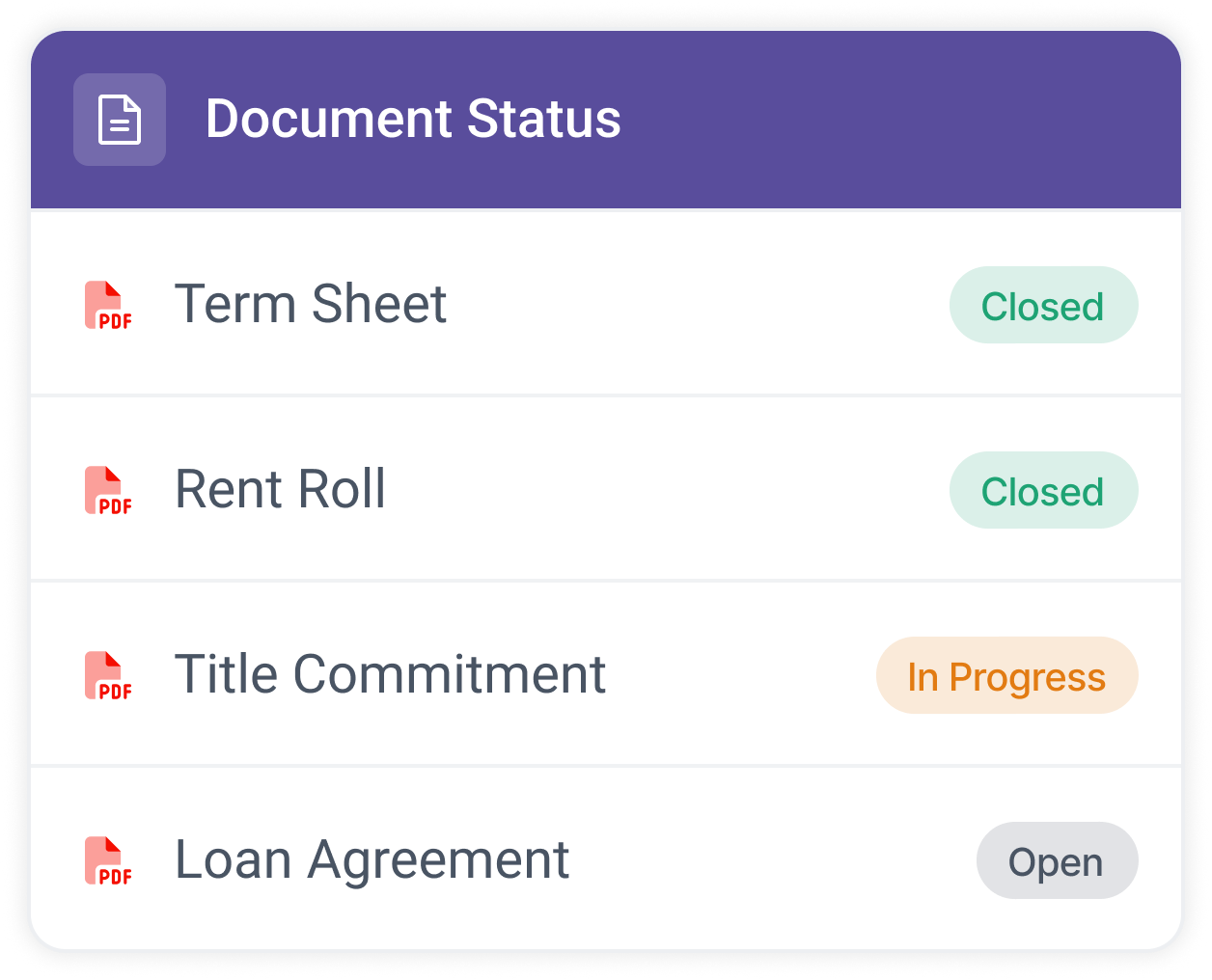
A filename is a claim; a status is a fact. Every document in Prodeal carries one, open, in progress, or closed, plus any status your shop configures, and the whole deal reads it at a glance.
Trusted by leading Real Estate Teams







Four standard statuses, plus yours
Open, in progress, and closed cover most shops. The rest configure their own: received, under review, approved, whatever your checklist actually says. The vocabulary of your desk becomes the vocabulary of the deal.
When the title commitment flips to closed, everyone sees it flip. Nobody writes the email that says so.
The version question, retired
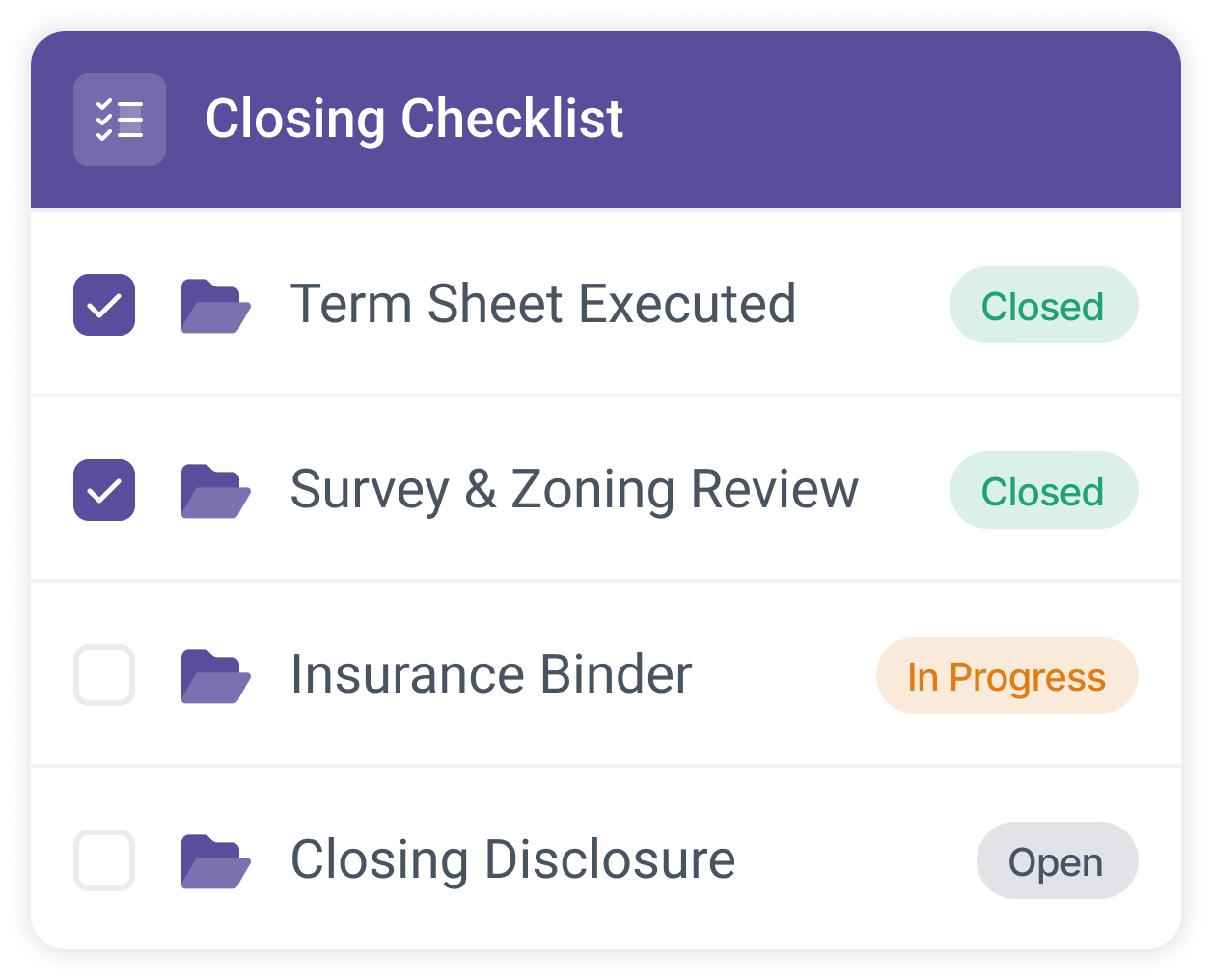
Replacements stack on the item with time stamps, and the current version is the one on the line. Which-file-governs stops being a conversation.
- Every version kept The history stays on the item, not in inboxes.
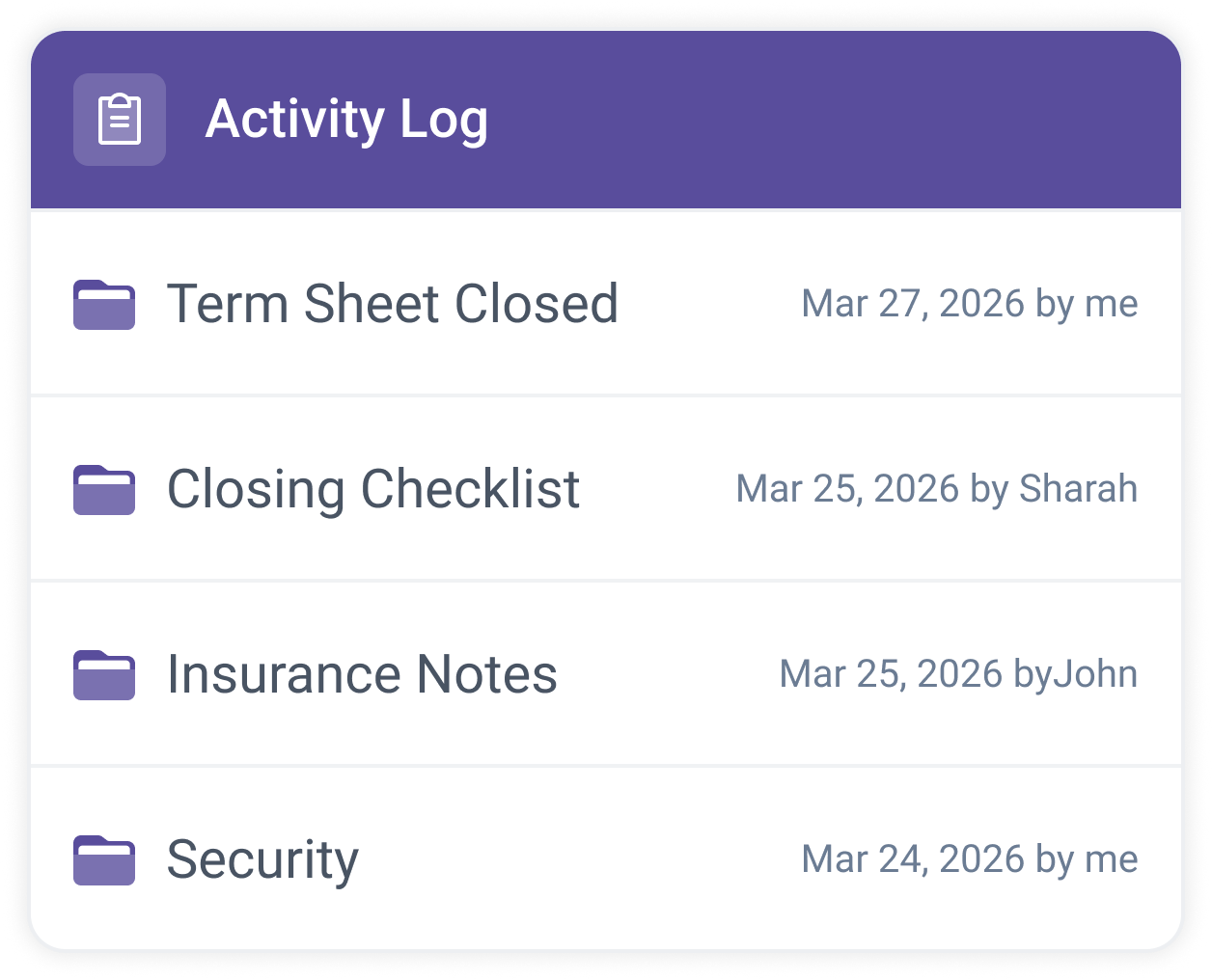
- Status changes are events Each change lands in the activity report with a name and time.
A document lands
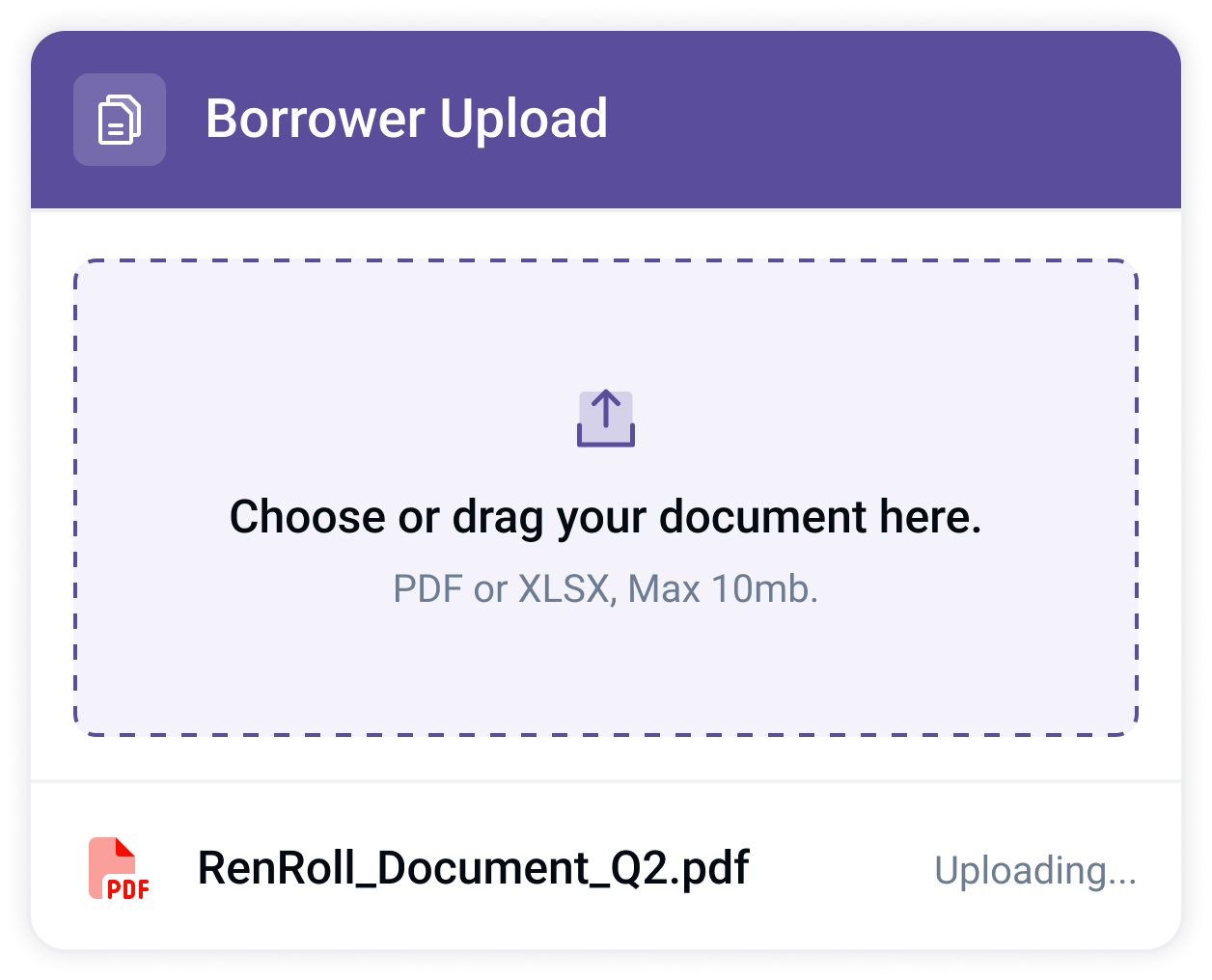
It arrives against its named checklist item, not loose in a thread.
The status moves
Received, under review, closed. The line tells the deal where it stands.
The change is recorded
Every status move is time-stamped in the activity report.
See it on one of your live deals.
Book a demoStandard plus custom
Open, in progress, closed, and the statuses your shop configures.
Read at a glance
Color-coded lines tell the whole deal's state without opening a file.
Versions with history
Replacements stack, time-stamped, and the current one governs.
Changes on the record
Every status move is an event in the exportable activity report.
Questions lenders ask
- Can we use our own status names?
- Yes. Beyond open, in progress, and closed, you configure the statuses your checklist already uses, and they carry through templates to every deal.
- Who sees a status change?
- Everyone whose role covers the item, the moment it changes. The borrower sees their items move; counsel sees theirs; nobody emails for an update.
- What happens when a document is replaced?
- The new version lands on the same item with a time stamp, the old one stays in the history, and the status tells you where review stands.
See your deals in real time.
Send us one live deal. We will build the room on your own checklist.