
The checklist is the deal.
Every closing runs on a checklist somewhere. In Prodeal it is the product: every line item carries a status, a due date, and a responsible party, and every party works the same list. Status stops living in email.
Trusted by leading Real Estate Teams







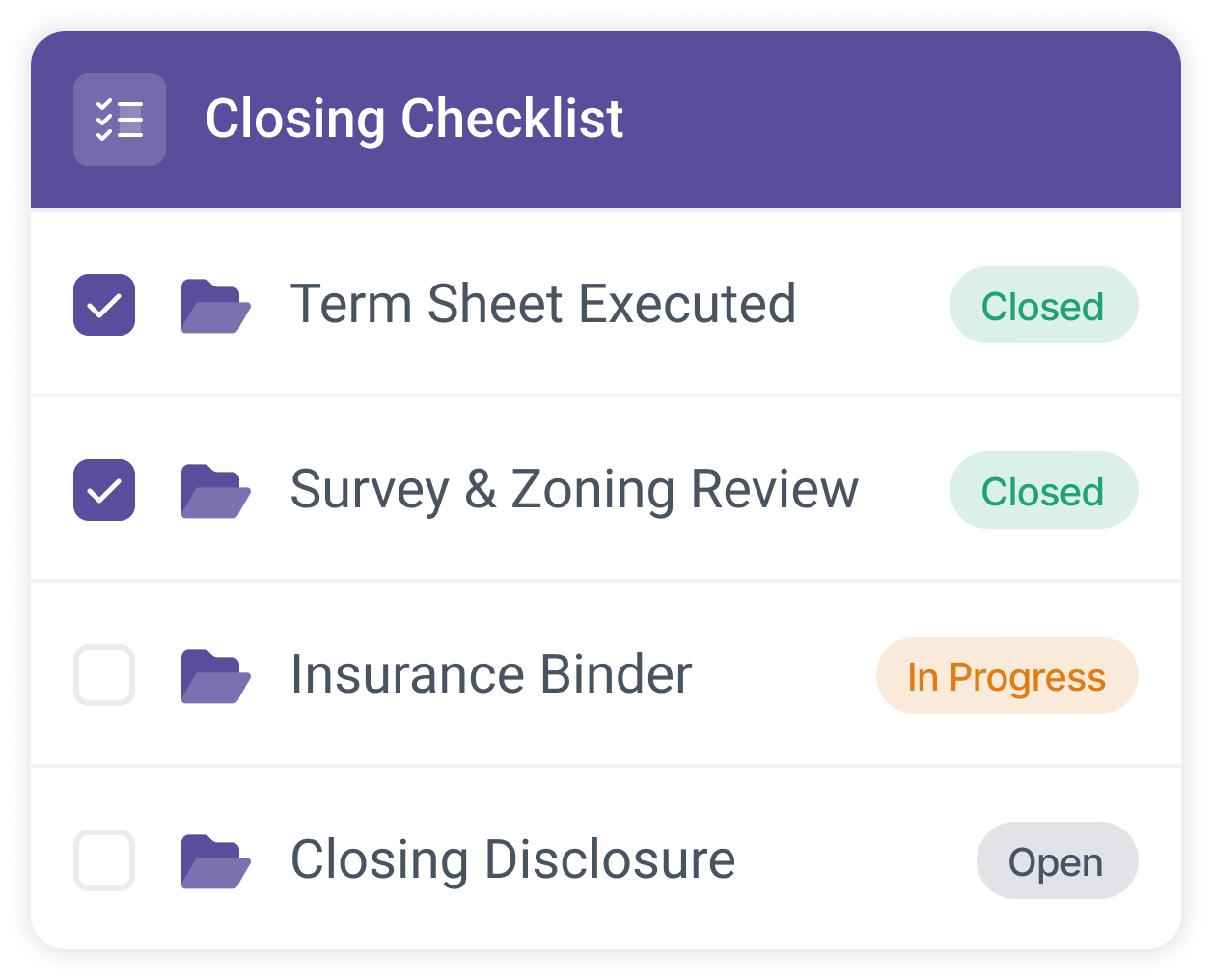
A status on every line, not just a file name
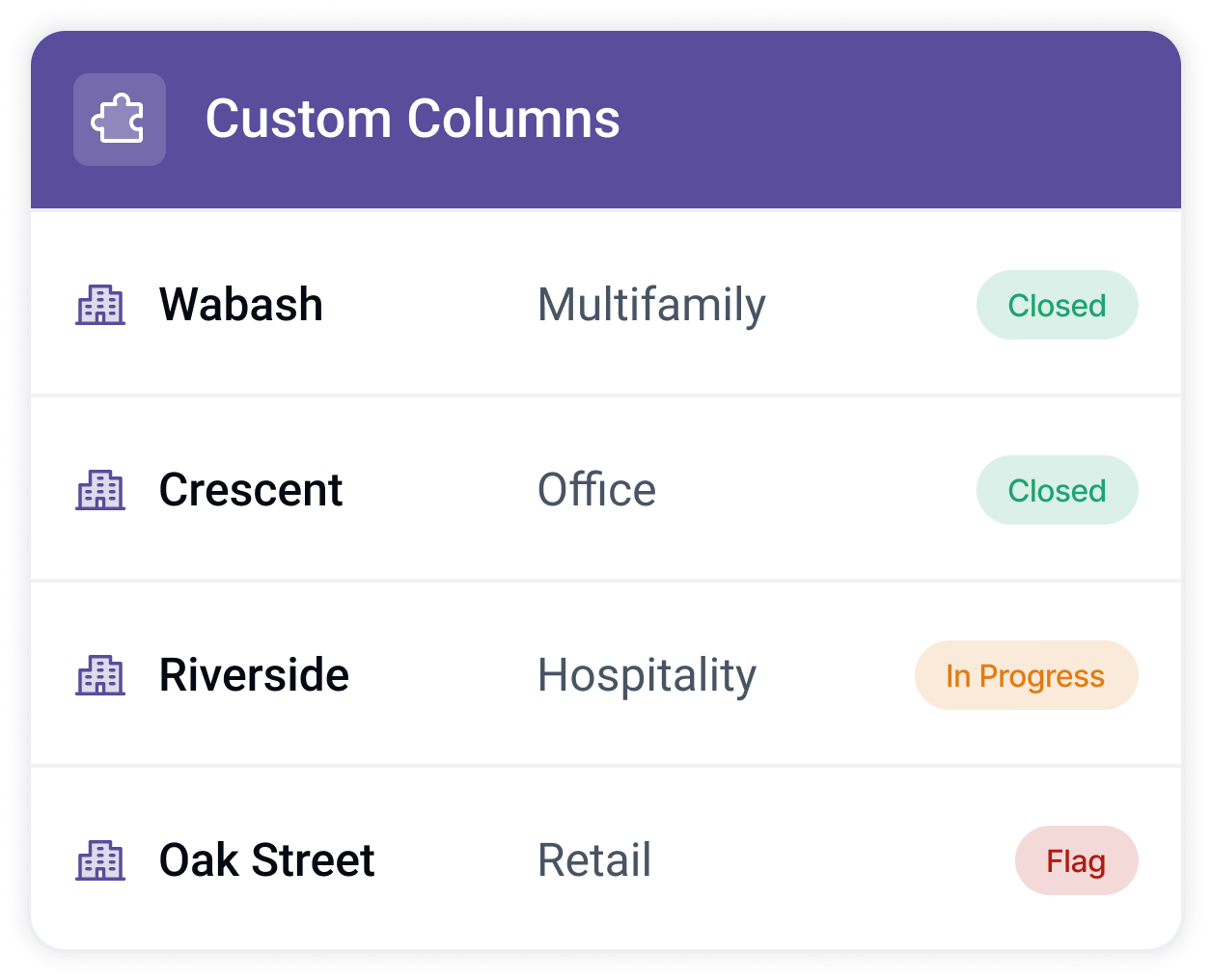
Every item on the checklist carries a status: open, in progress, or closed, plus any custom status your team configures. When the title commitment moves to closed, everyone sees it move, and nobody writes the email that says so.
Documents land against named line items, so there is never a question of which file governs.
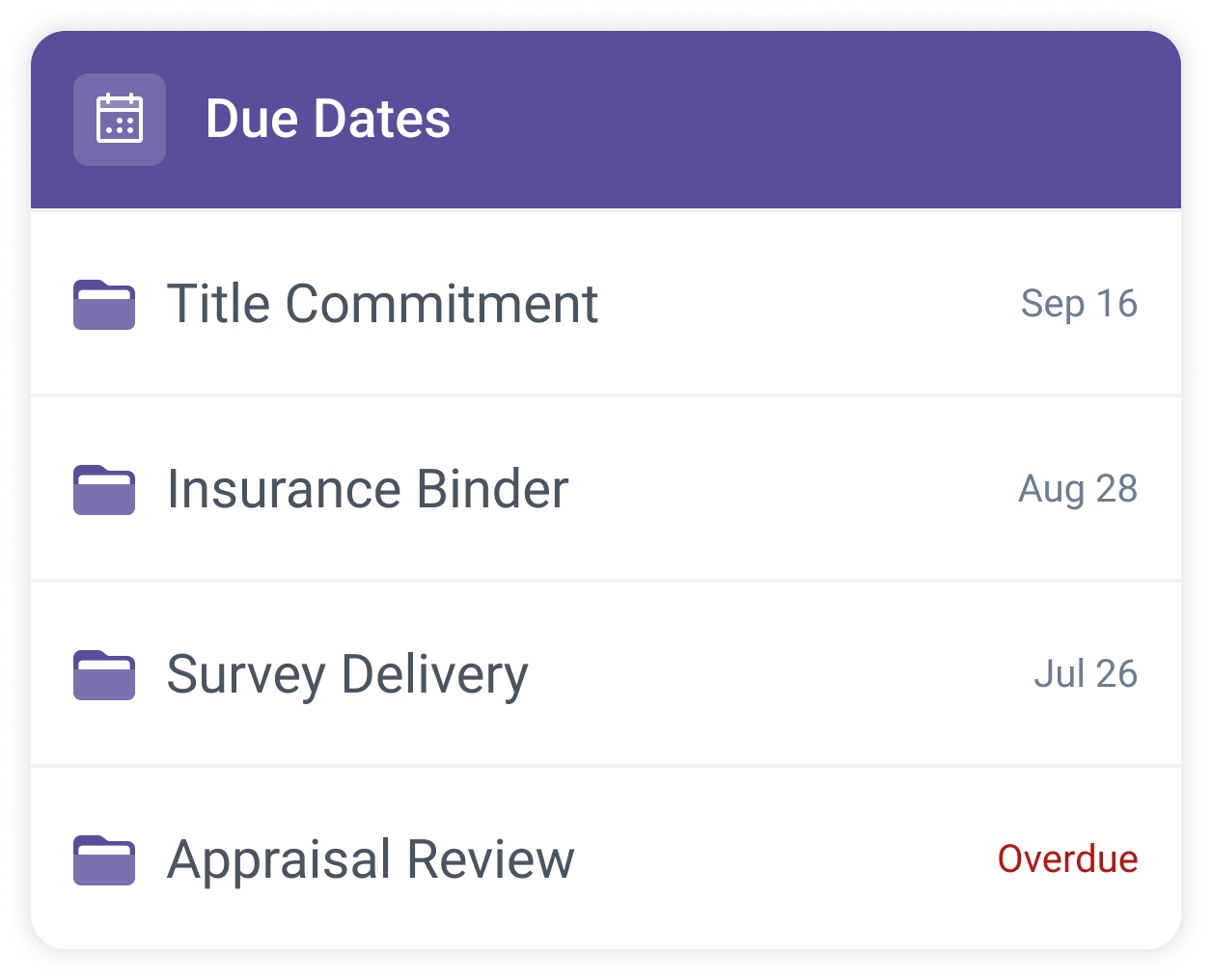
Due dates that notify the owner
Put a due date on any line item and assign the party responsible for it. Prodeal's email notifications keep that party posted, so deadlines are chased by the system instead of by your closers.
- Responsibility is assigned per item Set who owns each line, one at a time or in bulk.
- Notifications are yours to tune Each person controls what Prodeal emails them about.
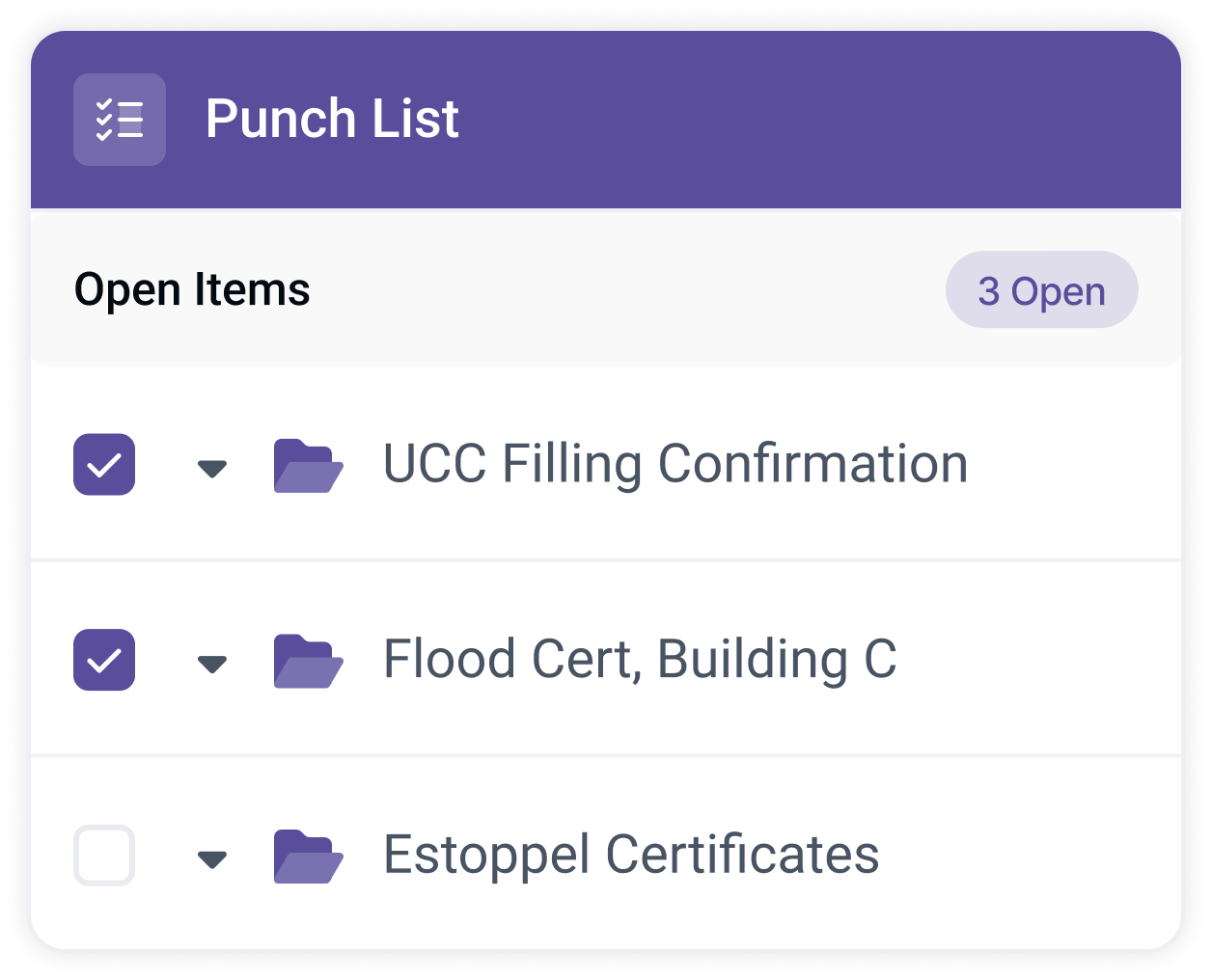
The punch list, one filter away
Filter the checklist to just the open items and you have the punch list for the pre-funding meeting. Prodeal's filters stack: by status, by responsible party, by access, by what is unread, by upload date, in any combination.
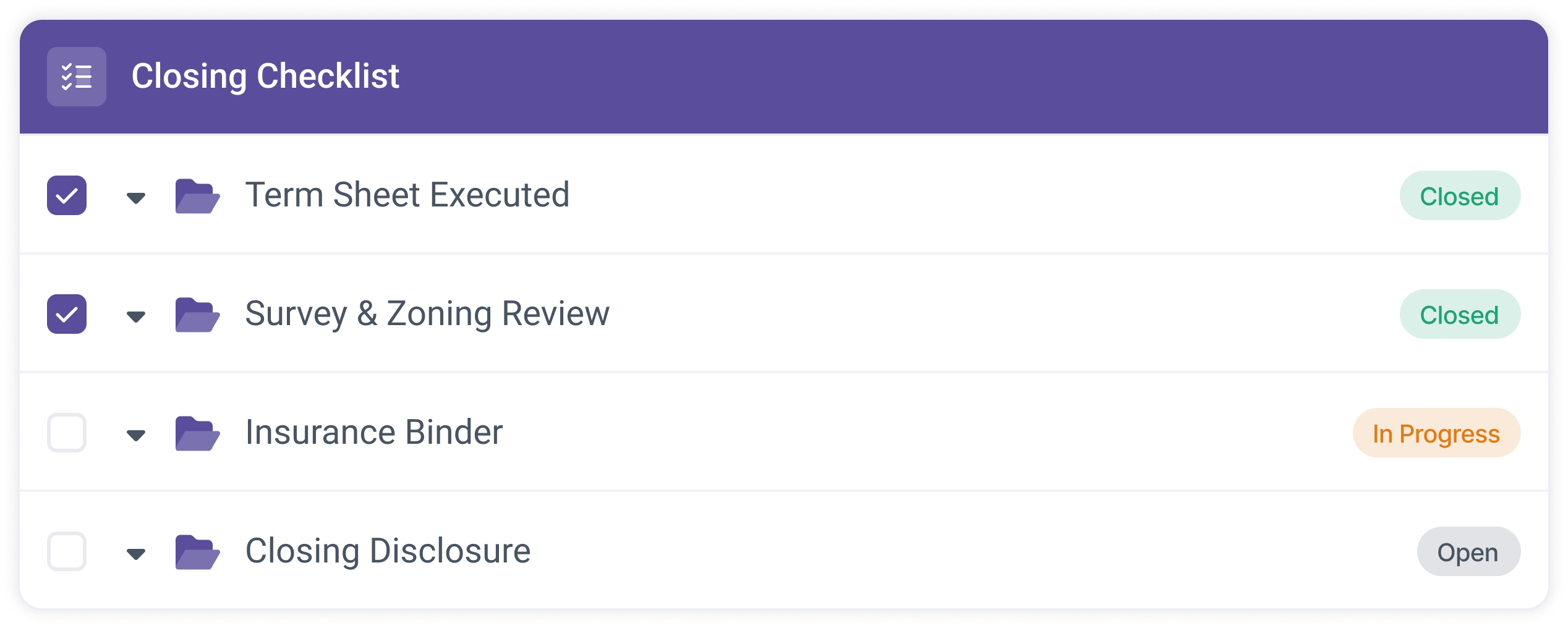
Open from a template
Customize the checklist with your sections, line items, and statuses, save it as a template, and every room opens with your structure in place.
Run the list together
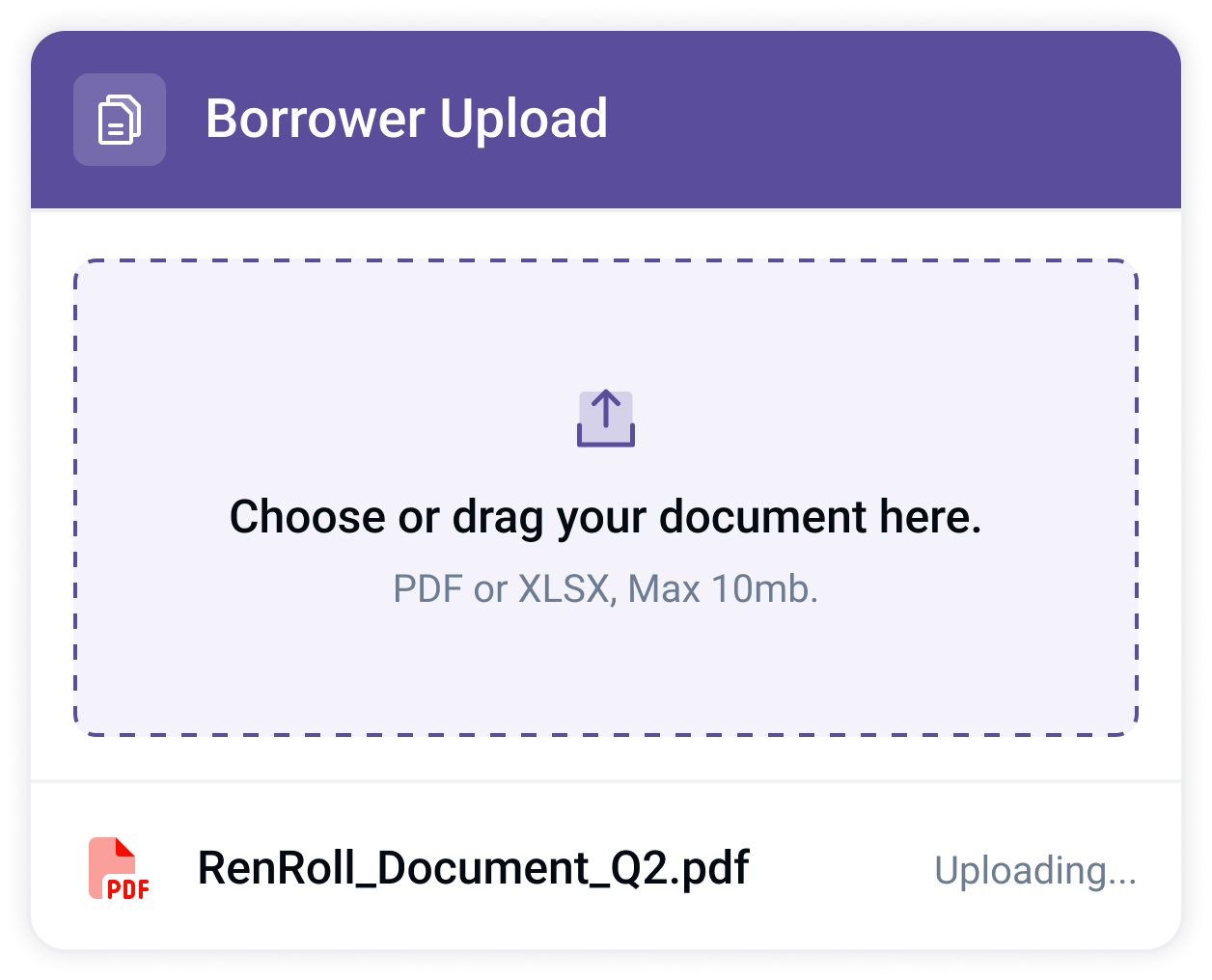
Borrower, counsel, and title work their own items in a branded room and are notified when a document needs them.
Fund with the record built
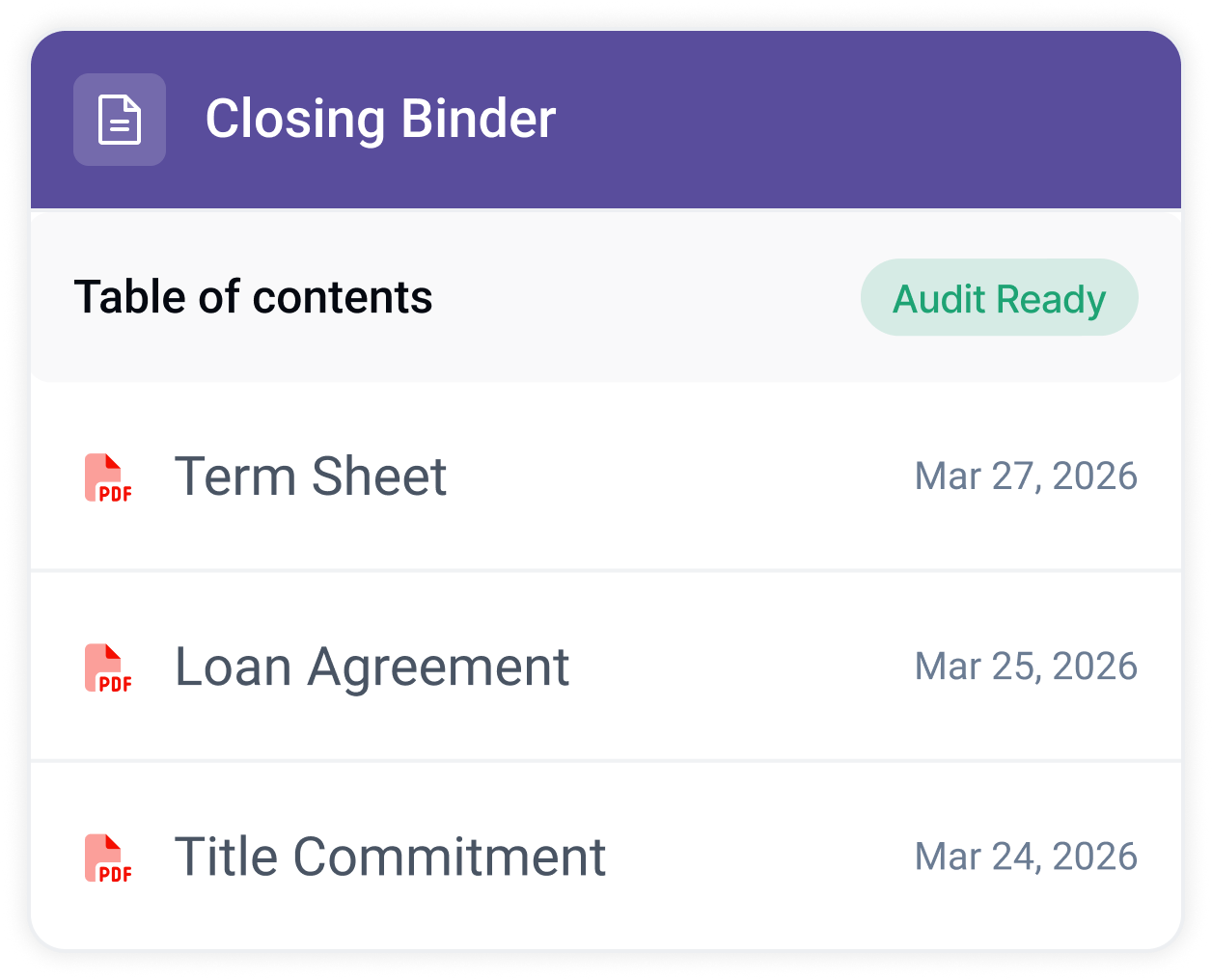
The activity report and a hyperlinked closing binder export from the same list the deal ran on.
See it on one of your live deals.
Book a demoLive progress
Track every deal's status from one filterable master view.
My Responsibility Dashboard
Everyone opens Prodeal to a view of just the items that are theirs.
Notes on the item
Questions and answers live on the line item they are about, not in a separate thread.
Room permissions
Scope every party to the folders and files their role should see.
Custom statuses
Beyond open, in progress, and closed, configure the statuses your shop actually uses.
Document watermarking
Downloads stamp with user, organization, and timestamp.
Prodeal provides a full snapshot of each deal. Leaders can come in and out without having to ask staff questions.”
 Alyssa SandenVP Commercial Lending · TruStone Financial
Questions lenders ask
- How is a live checklist different from a spreadsheet tracker?
- A spreadsheet is a status grid you maintain by hand beside the documents. The live checklist is the system itself: documents land against items, statuses update as work happens, and the record of it all exports when you need it. Nobody reconciles the tracker to reality, because the tracker is reality.
- Can each party see the whole checklist?
- Each party sees what their room permissions allow. The lender sees everything; a borrower or vendor sees only the items and files scoped to them. Everyone works the same list, and every access change lands in the activity report.
- Can we use our own checklist structure?
- Yes. Customize the checklist with your own sections, line items, and statuses, save it as a template, or clone a prior room. Prodeal takes the shape of how your team already closes.
- Does it work for our loan types?
- Prodeal is built for commercial real estate lending. You build the checklist template for each program your team runs, so a deal opens with the structure and document set your closers expect.
- Do borrowers and outside parties need training?
- No. Borrowers work in a branded room against named requests and are notified when an item needs them. Counsel and title work their own items with statuses they can read at a glance.
- What happens to the checklist after closing?
- It becomes the record. Every status change and upload is time-stamped in the activity report, and the closing binder exports as a hyperlinked PDF of every closed document.
See your deals in real time.
Send us one live deal. We will build the room on your own checklist.